|
|
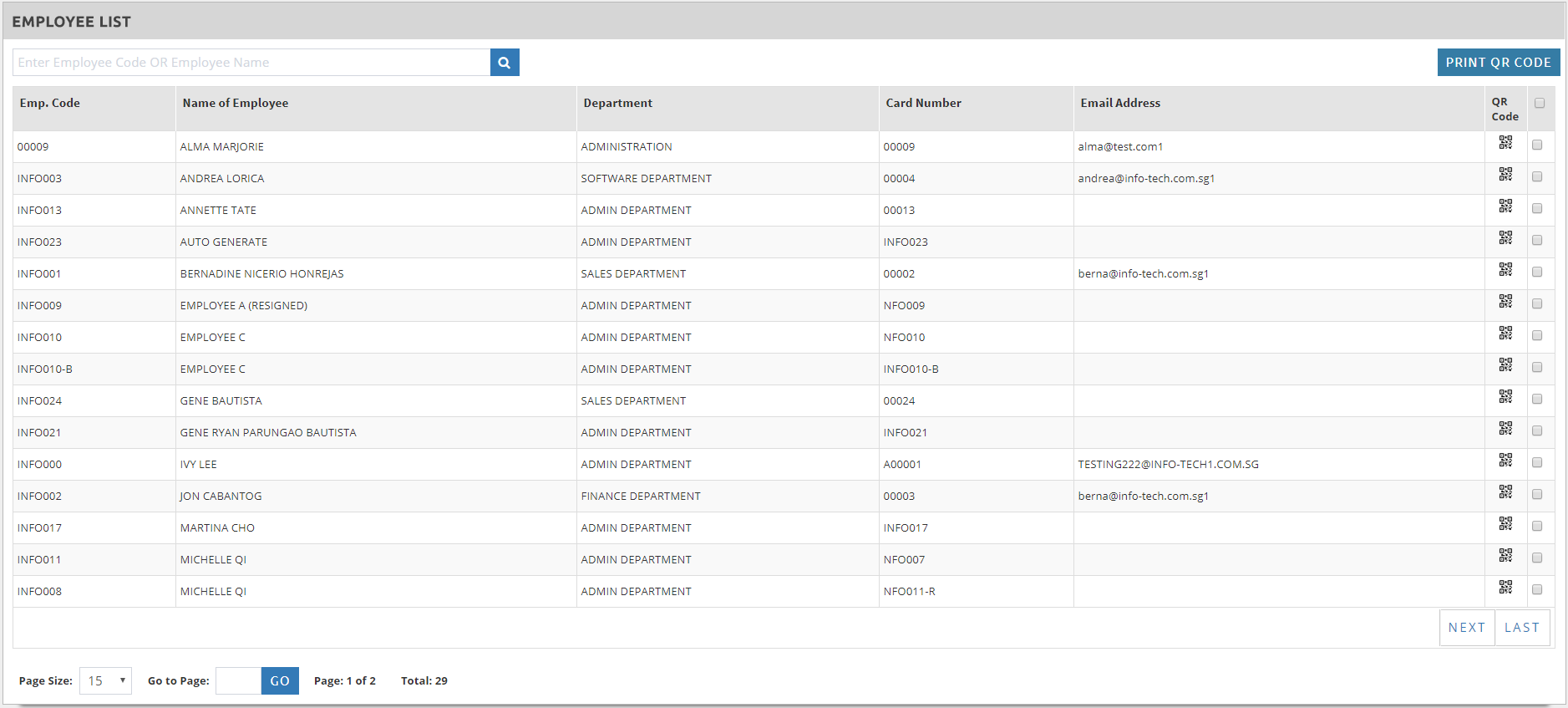
This system feature is to help print out the QR Code of each employees. This is useful to the supervisors who does the clocking IN / OUT in behalf of their staff. The QR Code is automatically generated after the Employee’s profile is created. To print out the QR Code: ➢Go to Master > Staff QR Code ➢Tick on the employee > click
|