|
|
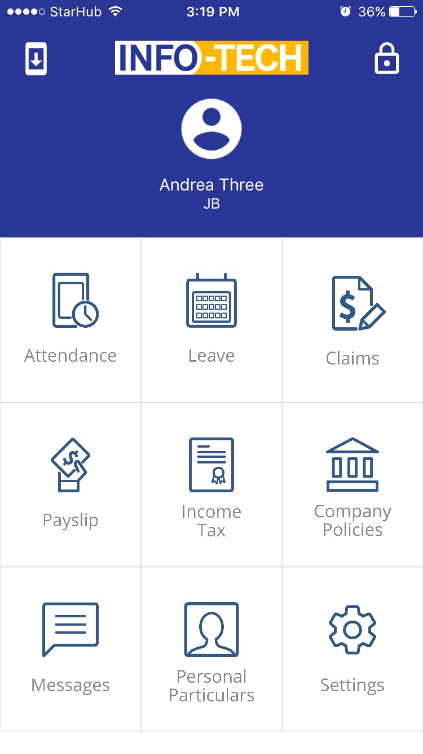
Step 1: Go to the Info-Tech Mobile App Step 2: Click the Attendance icon
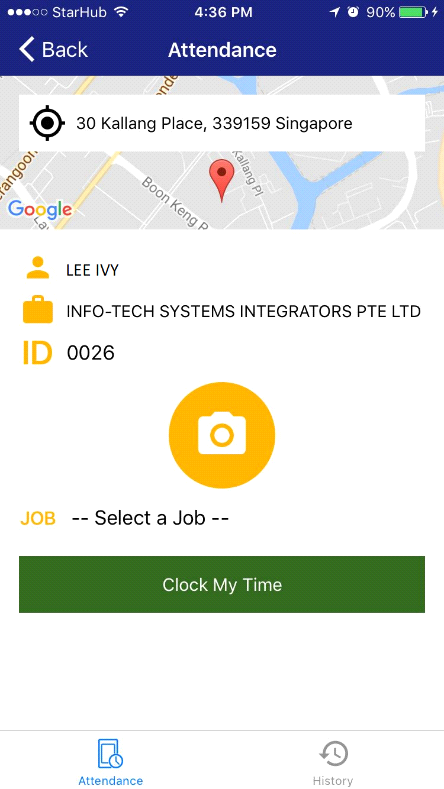
Step 3: Click on the camera
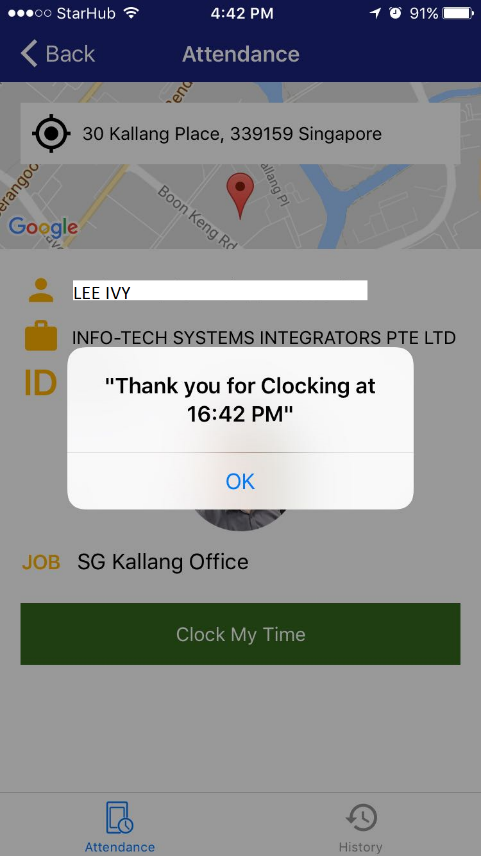
•This page will display your current location, •Employee Name and Company •Card or Fingerprint ID
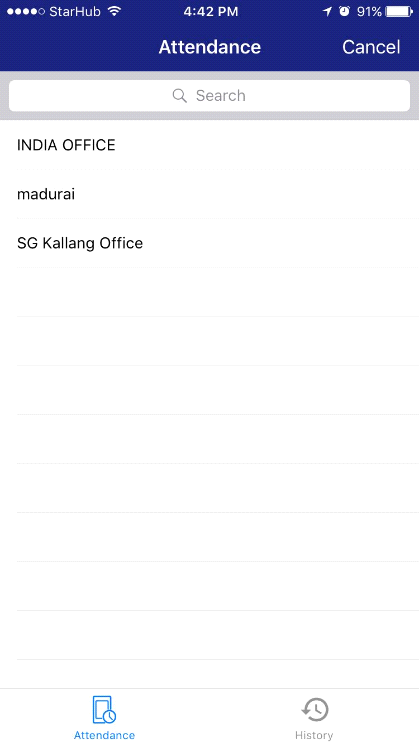
Step 4: Select the Job or office location
•Enter the Job or Location in the Search field
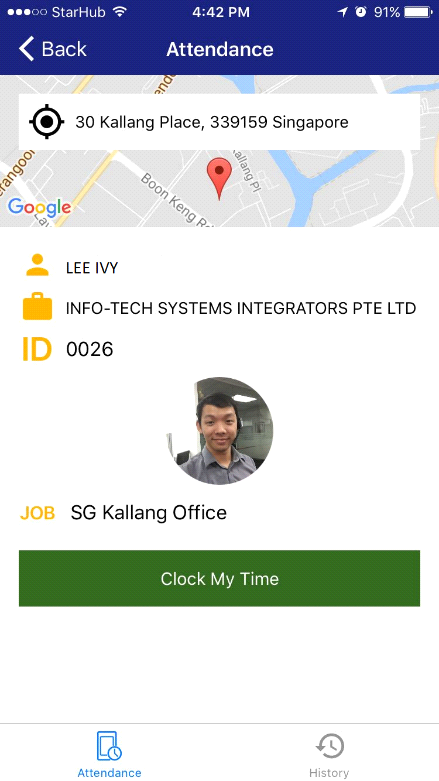
Step 5: Click on the
•To modify the “selfie” picture taken, just click on the photo and it will direct you to the camera mode of your mobile phone
Once the clocking is successful you will be prompted with below message:
Click on the
|