|
|
This is often used for those employees who have a planned fixed schedule for a certain period of time (1 or 2 weeks or 1 month). How to import schedule? ✓Go to Shift Settings > Employee Schedule ✓Click on Download Template link to download the schedule excel template – this is where you will be entering the employee(s) and their corresponding shifts per day
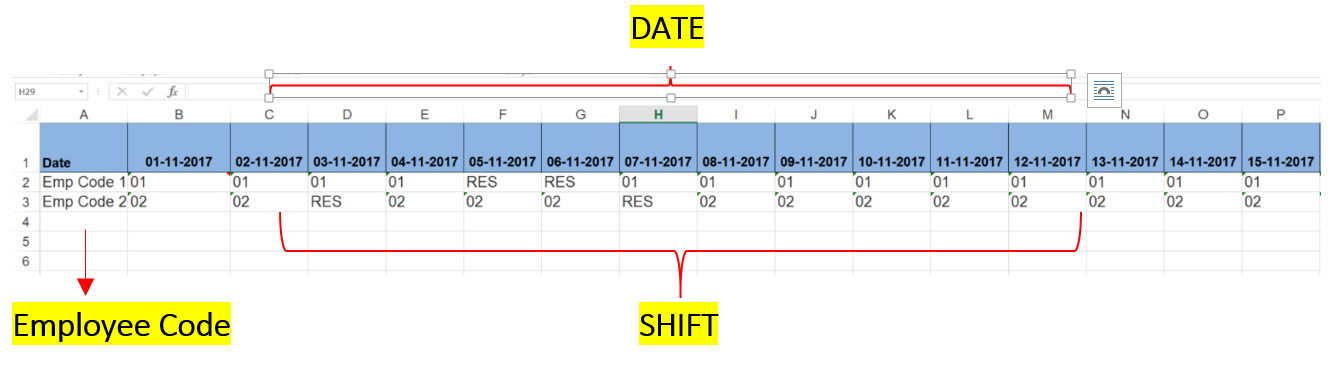
✓From the excel file downloaded, key in the following:
✓Save the excel file ✓Click on the folder icon ✓Click ✓Once successfully imported, system will prompt the total imported schedule:
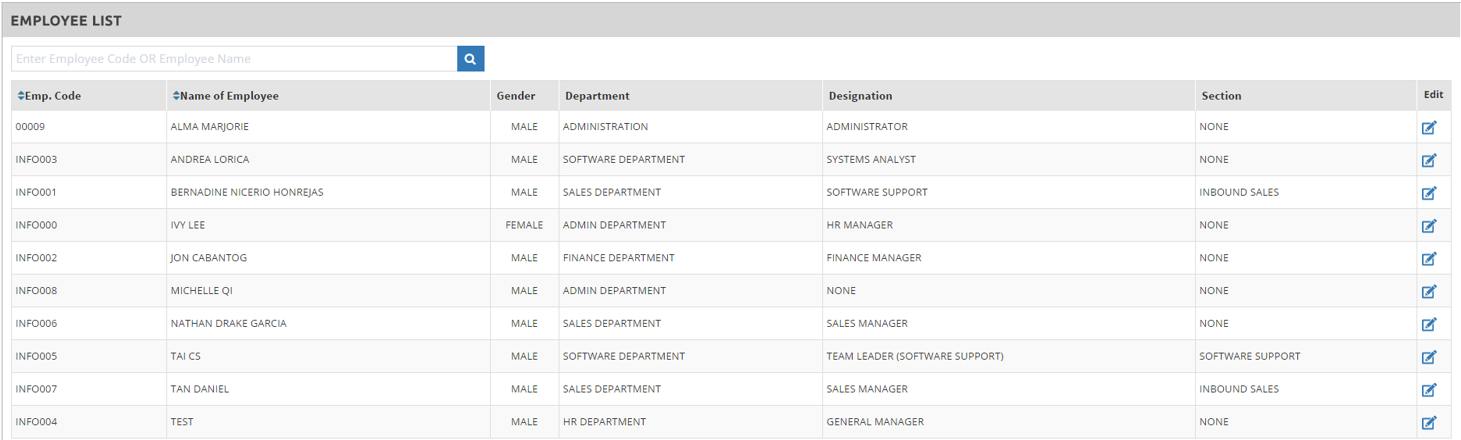
To view and manually change the imported schedule for each employee: ✓From the employee list, click the edit icon
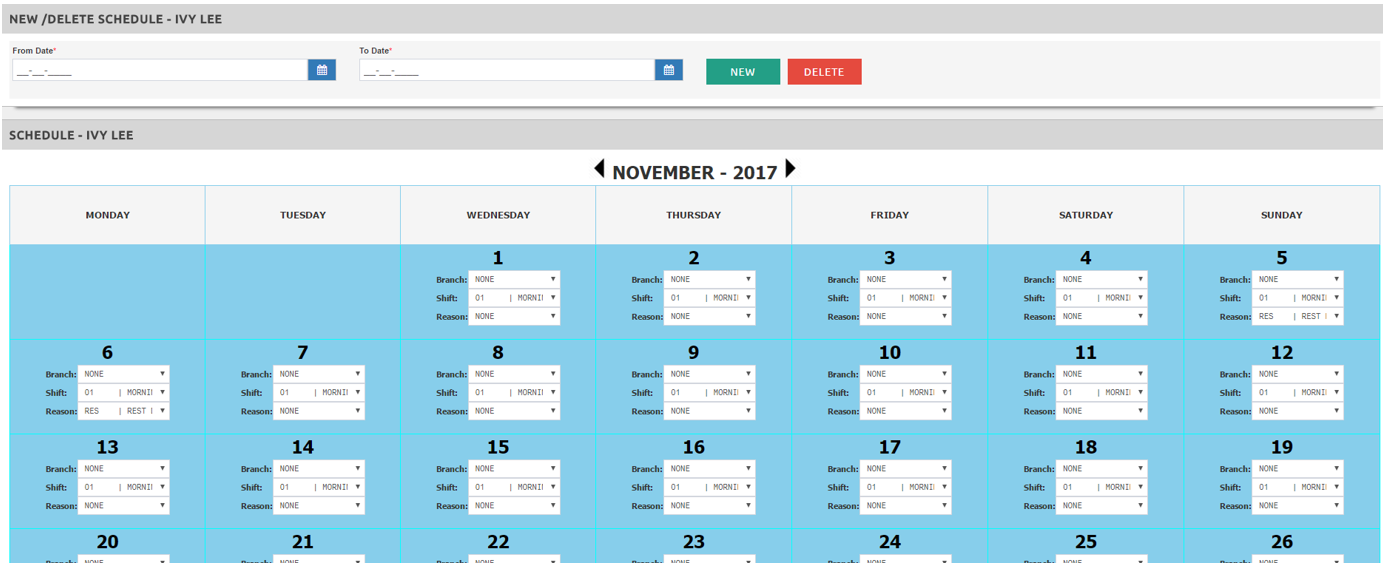
✓In a calendar format, the system will display the imported schedule for the particular period/month.
✓You may manually change the shift schedule per day by clicking on the drop down menu.
|