|
|
This function allows you to assign the different shift settings per reader location. ✍Go to Shift Settings > Clock Location – Shift ✍Go to Clock Location tab to create the different reader location(s) > Click
✍Enter the Clock Location Code and Clock Location Name ✍Click ✍Go to Clock Location Shift tab to assign the Shift or Auto Shift to each of the Clock Location(s) created
✍Click
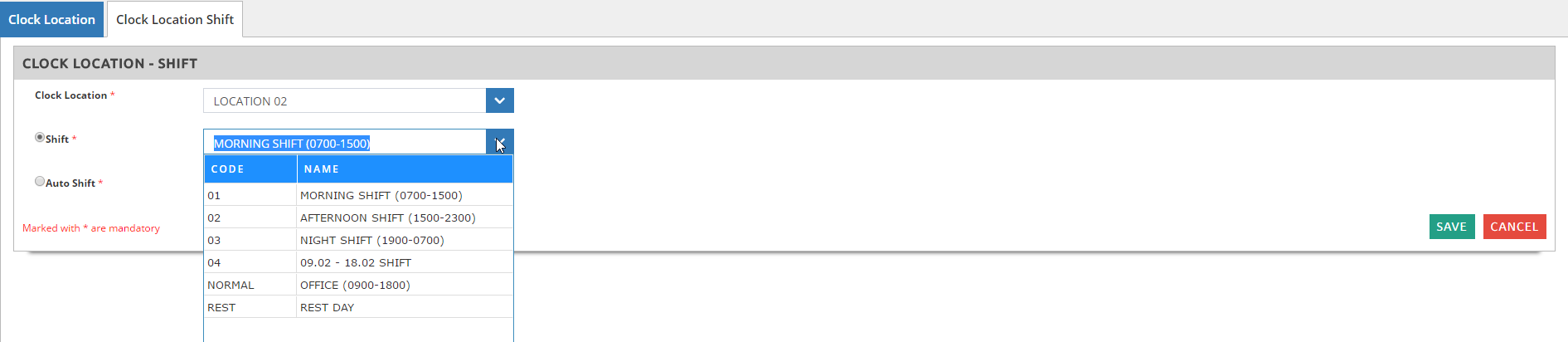
✍Select the Clock Location from the drop down menu ✍Select whether by Shift > select the Shift from the drop down menu
✍Or by Auto Shift > select the Auto Shift from the drop down menu
|