|
|
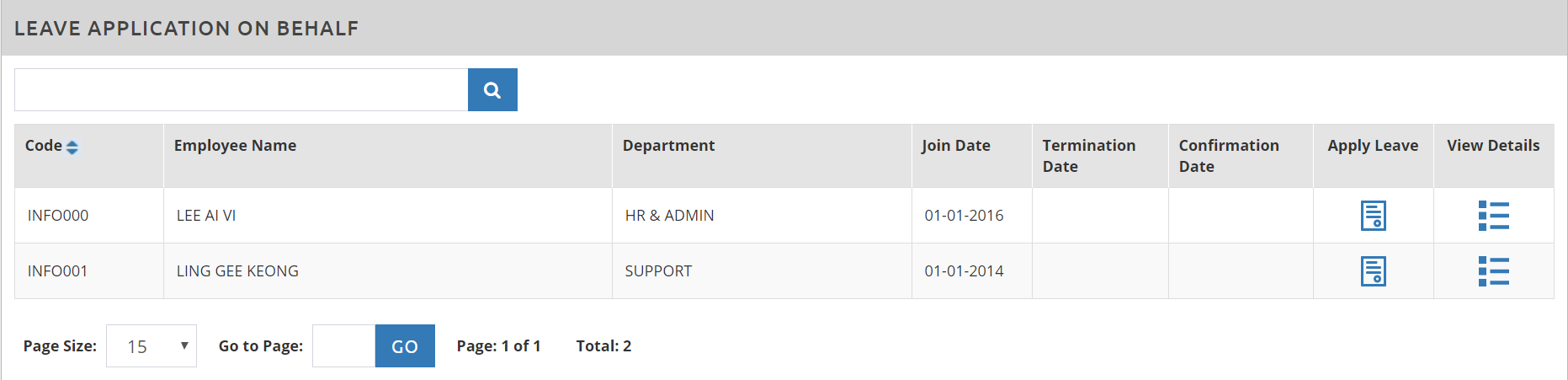
Step 1: Log in to Leave Management System Cloud Portal Step 2: Go to Transaction > Leave Apply on Behalf
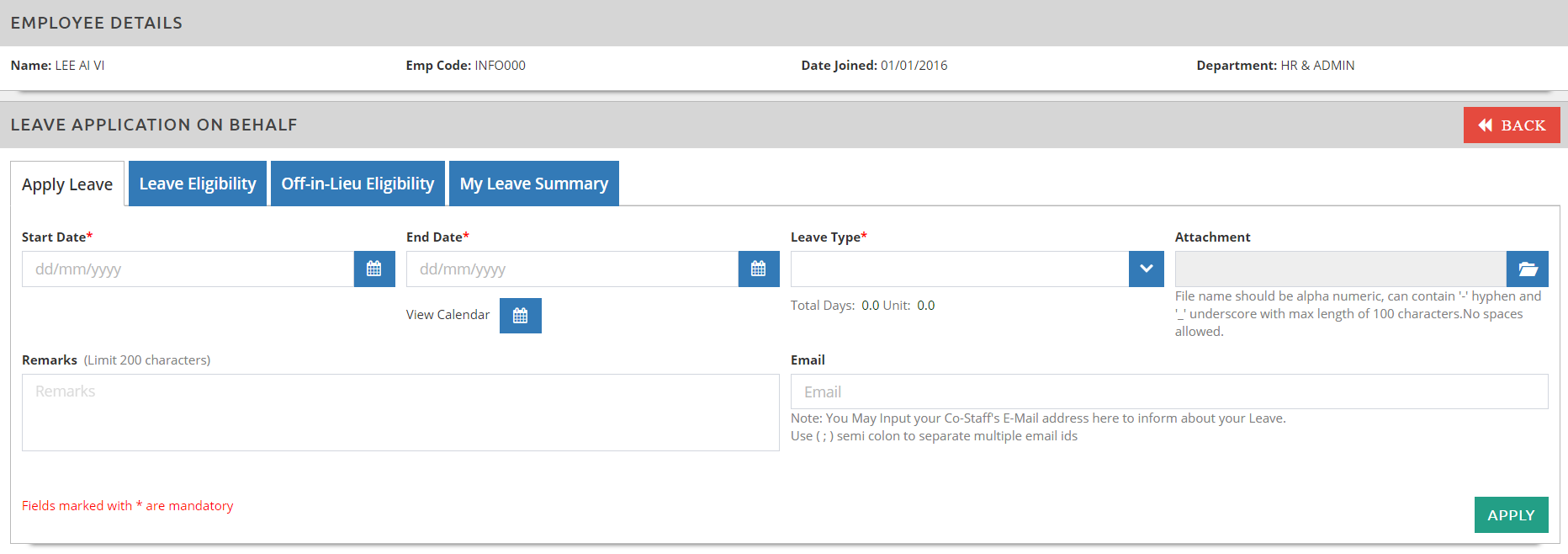
Step 3: Click on the Apply Leave button Below window, which is similar to the employee’s application page, will prompt and you can enter the necessary leave application accordingly:
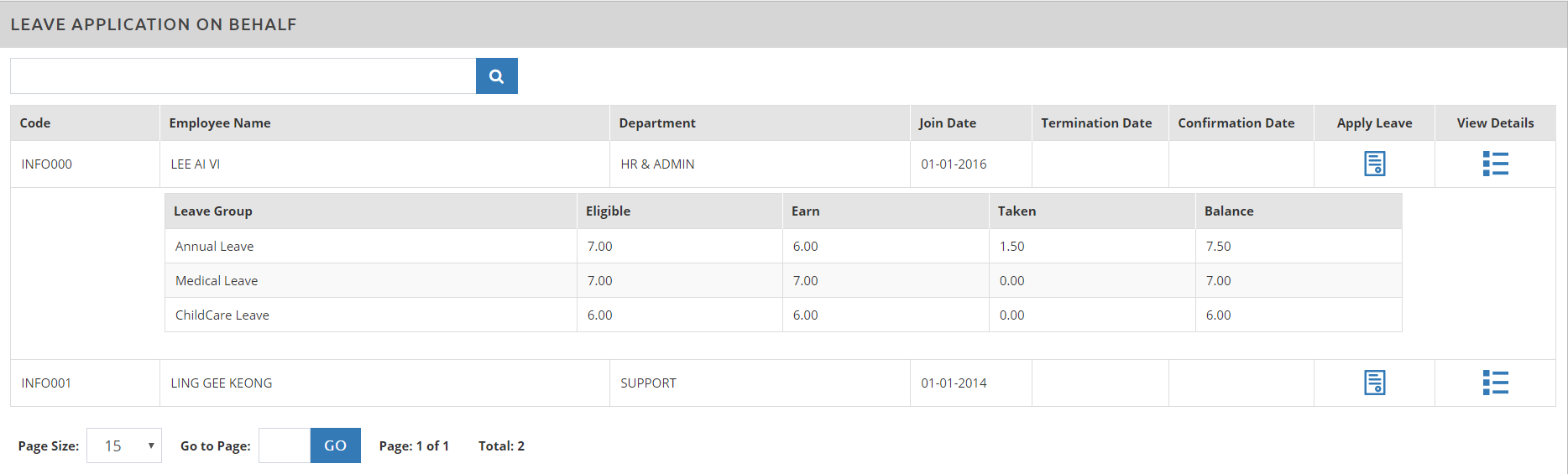
Step 4: Click on View Details button
**Note: You would be able to do leave application on behalf only if you are the employee’s approver or the HR Administrator with Super Admin rights. This application will also be automatically approved. |