|
|
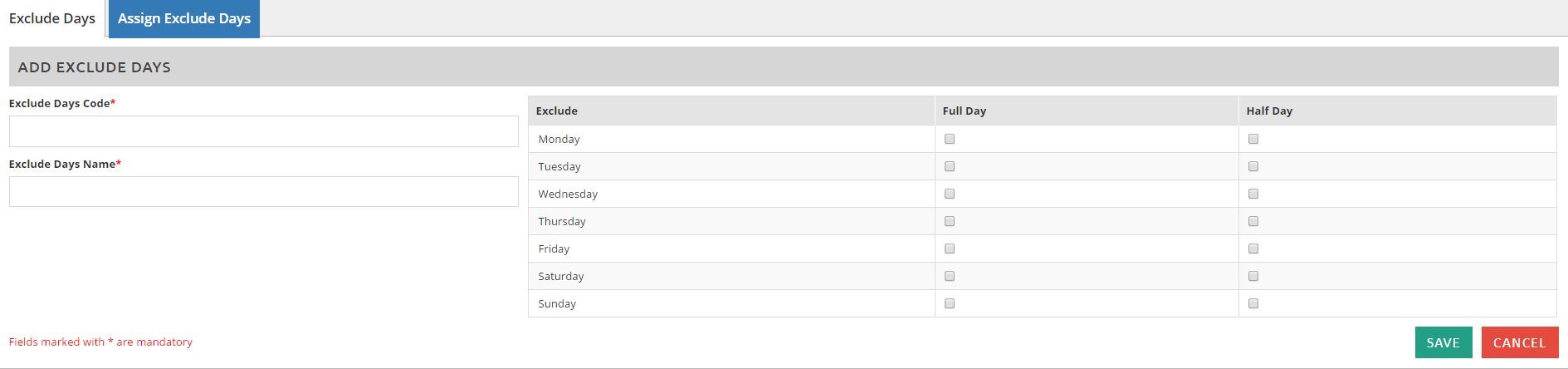
This is where you can set up the days that will be automatically excluded when applying for a leave. The exclude days are actually the rest/off days of the employees, which you will have to assign to the employees. Go to Admin Settings > Exclude Day Settings > click on
**Note: You will need to tick if under Full Day or Half Day column to identify how many days will be excluded.
|